Cuibit publishes insights from shipped delivery work across web, WordPress, AI and mobile. Articles are written for real buying and implementation decisions, then updated as the stack or the advice changes.
Cuibit Web Engineering
Web architecture and technical SEO team
The Cuibit team covering web architecture, Next.js delivery, technical SEO and buyer-facing product surfaces.
Key takeaways
- PHP 8.4 is a practical modernization release for business web applications, not only a language milestone.
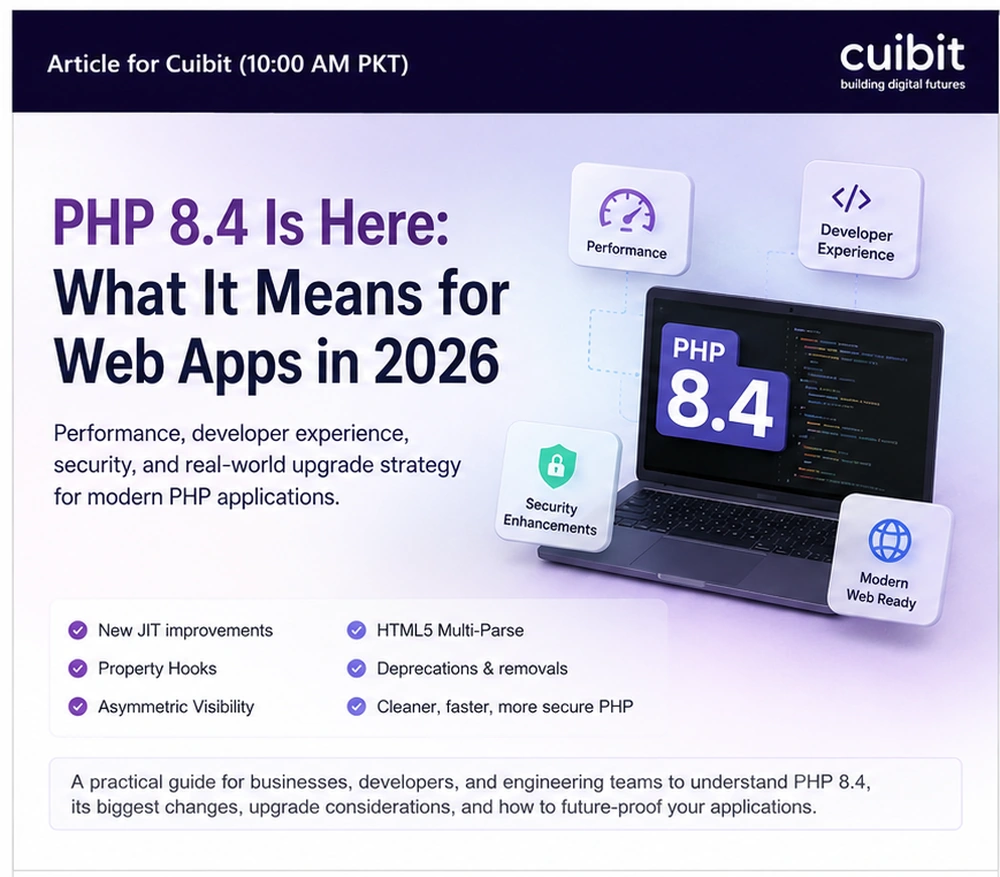
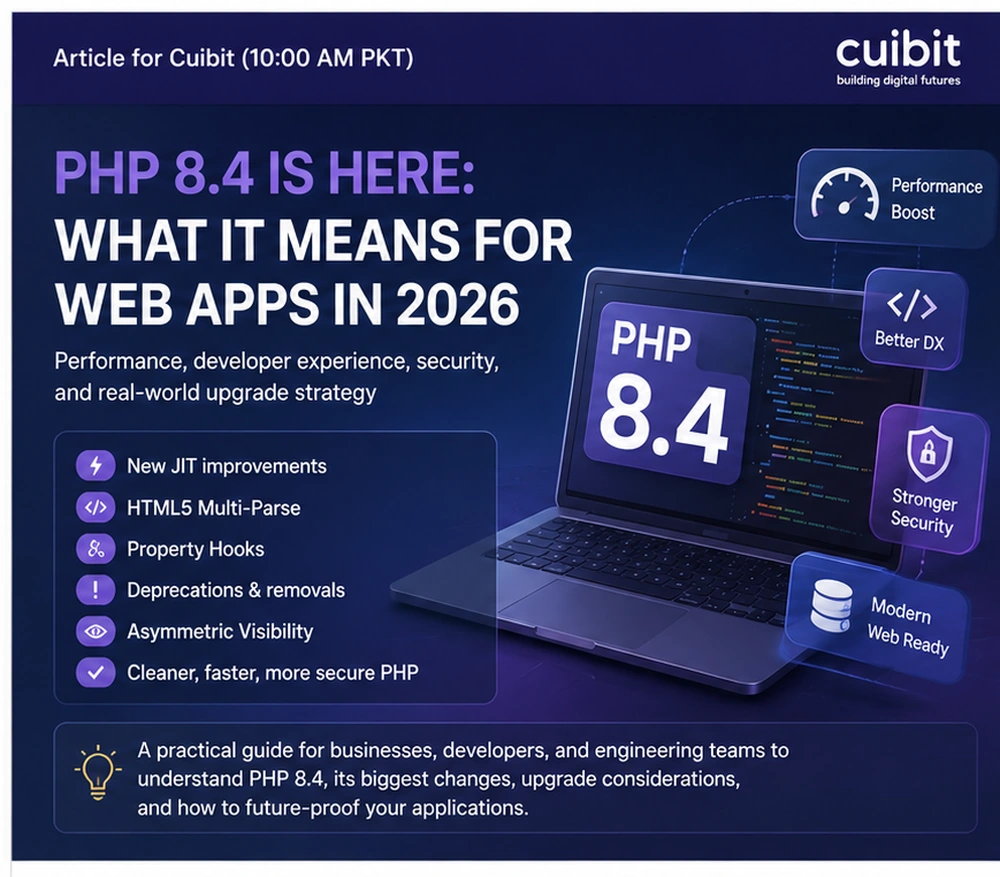
- Property hooks, asymmetric visibility, lazy objects, improved DOM and HTML5 support, new array helpers, JIT work, and cleanup can make production code clearer when used with judgment.
- The right migration path starts with dependency inventory, staging, automated tests, static analysis, framework compatibility, deprecation fixes, and a monitored rollout.
- WordPress, WooCommerce, Laravel, Symfony, custom PHP portals, old admin tools, and API backends all need different upgrade plans.
- A safe upgrade can become a useful modernization sprint when the team removes technical debt instead of only changing the runtime version.
Why this topic matters now
PHP still runs a large part of the commercial web. WordPress, WooCommerce, Laravel, Symfony, internal dashboards, custom CRMs, booking systems, membership platforms, API layers, and legacy admin portals all depend on PHP. That means a major PHP release has business consequences. It affects hosting, developer experience, code quality, security posture, framework support, plugin compatibility, CI pipelines, and long-term maintainability.
PHP 8.4 introduced practical language changes such as property hooks, asymmetric property visibility, lazy objects, improved DOM and HTML5 support, new array helpers, performance work, bug fixes, and language cleanup. The official PHP release announcement describes PHP 8.4 as a major update with new features and performance improvements. For a business team, the question is not whether the release notes sound interesting. The question is whether the application can upgrade safely and whether the upgrade can reduce future maintenance cost.
The answer depends on the codebase. A modern Laravel or Symfony app with good tests may have a clean path. A WooCommerce store with many payment, shipping, tax, subscription, and analytics plugins needs staged compatibility testing. A custom PHP platform written over many years may need static analysis, dependency cleanup, and selective refactoring before the runtime changes. A WordPress business site may simply need a staging test, theme review, plugin audit, and hosting check.
For Cuibit, this topic connects directly to PHP development, backend development, WooCommerce engineering, and long-term platform modernization. A PHP upgrade should not be treated as a small server setting when the application is tied to revenue or operations.
The practical value of PHP 8.4
The most useful way to understand PHP 8.4 is through production pain. Many older PHP applications contain verbose getters and setters, inconsistent property access, outdated DOM handling, loosely defined objects, and code that developers avoid touching because side effects are unclear. PHP 8.4 does not automatically fix that, but it gives teams better tools for new work and selective refactoring.
Property hooks allow get and set behavior to live closer to the property itself. A team can validate, normalize, or compute values with less boilerplate. That can be useful in domain models, DTOs, configuration objects, and compatibility layers where the old pattern was repeated getters and setters.
Asymmetric visibility is equally practical. It allows a value to be read more widely than it can be written. That matters for order IDs, customer records, account states, pricing objects, calculated totals, or any domain value that should not be changed casually from outside the object. It can reduce noisy getter methods while preserving control over mutation.
Lazy objects can help frameworks and dependency-heavy systems avoid unnecessary work. The gain depends on the application, but the principle is valuable: initialize what is needed when it is needed, not everything at once.
The improved DOM API and HTML5 support matter for platforms that parse HTML, migrate content, process editor output, generate email templates, sanitize user submissions, or run content transformation jobs. That includes CMS and ecommerce ecosystems, not just standalone PHP libraries.
The business case: safer change
Business leaders rarely care about property hooks as a feature. They care about whether the application is easier to change without breaking. PHP 8.4 can contribute to that goal when the upgrade is connected to practical engineering outcomes.
A useful migration can create:
- cleaner value objects
- fewer accidental state changes
- less repetitive boilerplate
- stronger static analysis
- better framework compatibility
- clearer tests
- reduced developer onboarding time
- improved deployment confidence
- fewer old deprecation warnings
- better long-term maintainability
The value appears when teams use the upgrade to clean critical modules, not when they rewrite everything to use new syntax. A smart upgrade is selective. It modernizes the places where change happens often, where bugs are expensive, or where the code is difficult to reason about.
Which applications should upgrade first
Not every PHP system has the same priority.
Revenue-critical systems should be reviewed early. Ecommerce stores, subscription platforms, payment flows, booking systems, SaaS billing logic, and customer portals should not drift too far behind the runtime ecosystem. They also should not be updated casually. The right path is careful compatibility testing and monitored release.
Legacy platforms are another strong candidate. If an old system already blocks feature work, PHP 8.4 planning can become the start of a broader modernization. The upgrade may reveal dependencies, deprecated behavior, weak tests, and runtime assumptions. That is uncomfortable, but useful.
Modern Laravel and Symfony apps can often move faster, but they still need Composer dependency checks, CI updates, Docker image updates, queue-worker testing, and framework compatibility review.
WordPress and WooCommerce sites need a different approach. The issue is rarely PHP alone. The plugin and theme ecosystem must be tested. For WooCommerce, test product pages, cart, checkout, payments, shipping, taxes, coupons, customer accounts, order emails, subscriptions, background actions, and admin screens. Cuibit’s WooCommerce development work often includes this exact compatibility layer because a store can appear fine while a payment or order workflow quietly fails.
What to audit before upgrading
A safe PHP 8.4 upgrade begins with inventory. Document the current PHP version, framework version, Composer dependencies, WordPress and WooCommerce versions if relevant, custom plugins, server extensions, hosting image, CI runtime, queue workers, cron jobs, background processors, API integrations, payment gateways, email providers, database drivers, and monitoring tools.
Then run compatibility checks. Composer can show packages that block PHP 8.4. Static analysis can reveal type issues. Error logs can expose deprecated patterns. Staging tests can show runtime behavior. Manual QA can confirm the customer journeys that automated tests miss.
The most dangerous upgrade is the one where nobody knows what the application depends on. The second most dangerous is the one where production is the first real test.
A practical migration plan
Step 1: Create an inventory
List dependencies, extensions, hosting settings, CI jobs, workers, commands, cron jobs, APIs, plugins, custom code, and critical workflows.
Step 2: Build a PHP 8.4 branch
Update local and staging environments before production. If the application runs in Docker, update images and confirm extension support.
Step 3: Check dependencies
Update Composer constraints and review packages that block PHP 8.4. Read changelogs for major updates instead of blindly updating.
Step 4: Run tests and static analysis
Run unit tests, integration tests, static analysis, linting, framework checks, and business-flow tests. Add tests around high-risk areas before touching production.
Step 5: Fix deprecations
Warnings are not background noise. They are future production bugs. Clean them while the context is fresh.
Step 6: Test customer and admin journeys
For a web app, test login, permissions, forms, uploads, exports, emails, dashboards, API endpoints, and background jobs. For WooCommerce, test the full order lifecycle.
Step 7: Refactor selectively
Use property hooks and asymmetric visibility where they make code clearer. Do not add new features everywhere just because the release supports them.
Step 8: Deploy with monitoring
Use a controlled release window. Watch logs, payment flows, queue behavior, email delivery, API errors, memory usage, and support tickets. Keep rollback ready.
How PHP 8.4 affects WordPress and WooCommerce
WordPress and WooCommerce teams should be careful because the application is rarely only core WordPress. Most business sites rely on themes, builders, SEO plugins, caching tools, custom snippets, forms, payment gateways, analytics, custom post types, and integrations.
Before updating production, confirm hosting support, plugin compatibility, theme compatibility, payment gateway behavior, scheduled actions, admin screens, checkout behavior, customer account pages, and email templates. A site can load normally while a checkout extension or background task fails.
If the site is already slow or fragile, pair the PHP upgrade with maintenance and performance work. Cuibit’s WordPress maintenance support and WordPress speed optimization are relevant because the runtime is only one part of operational health.
How PHP 8.4 affects custom platforms
Custom PHP platforms often carry the greatest opportunity and the greatest risk. A legacy system may have old database access, unclear domain rules, public properties everywhere, no test coverage, and integrations nobody wants to touch. PHP 8.4 can be the trigger to make that system safer.
The right approach is not a full rewrite by default. Start with the parts that change often or fail often. Add tests, introduce typed boundaries, clean data objects, remove deprecated behavior, and document business rules. Cuibit’s legacy PHP to Laravel modernization example is relevant because runtime upgrades often reveal the larger modernization path.
A stable backend should have clear domain models, predictable object state, monitored jobs, structured logging, safe migrations, and rollback procedures. Cuibit’s backend reliability rebuild work shows why technical debt and reliability usually need to be solved together.
Questions business leaders should ask
Ask the engineering team:
- What PHP version are we running now?
- Does production hosting support PHP 8.4?
- Which dependencies block the upgrade?
- Do payment, shipping, email, and analytics integrations work?
- Do we have staging that matches production?
- What automated tests cover revenue workflows?
- What manual QA will be done?
- Which deprecations were found?
- What is the rollback plan?
- Which modules should be modernized now?
Clear answers mean the upgrade is being managed. Vague answers mean discovery should happen before implementation.
Editorial conclusion
PHP 8.4 is a useful release because it helps developers write cleaner, more controlled, more maintainable code. But the release itself is not the business outcome. The outcome is a web application that is safer to extend, easier to test, and less expensive to maintain.
For modern applications, the upgrade may be straightforward. For WooCommerce stores, it requires plugin and checkout testing. For legacy platforms, it may become the start of a broader modernization plan.
The best teams will not treat PHP 8.4 as a checkbox. They will use it as a chance to reduce risk, improve developer velocity, and prepare business-critical web applications for the next phase of growth.
Additional implementation notes
A PHP runtime upgrade should also update developer documentation, deployment checklists, staging data handling, monitoring alerts, and support handoff notes. Teams should record which errors were fixed, which modules were refactored, which dependencies changed, and which items remain scheduled for later. That record makes the next upgrade cheaper and protects institutional knowledge when developers change.
Additional implementation notes
A PHP runtime upgrade should also update developer documentation, deployment checklists, staging data handling, monitoring alerts, and support handoff notes. Teams should record which errors were fixed, which modules were refactored, which dependencies changed, and which items remain scheduled for later. That record makes the next upgrade cheaper and protects institutional knowledge when developers change.
Additional implementation notes
A PHP runtime upgrade should also update developer documentation, deployment checklists, staging data handling, monitoring alerts, and support handoff notes. Teams should record which errors were fixed, which modules were refactored, which dependencies changed, and which items remain scheduled for later. That record makes the next upgrade cheaper and protects institutional knowledge when developers change.
Additional implementation notes
A PHP runtime upgrade should also update developer documentation, deployment checklists, staging data handling, monitoring alerts, and support handoff notes. Teams should record which errors were fixed, which modules were refactored, which dependencies changed, and which items remain scheduled for later. That record makes the next upgrade cheaper and protects institutional knowledge when developers change.
Compatibility risks that deserve special attention
PHP 8.4 planning should include a list of runtime assumptions that are easy to miss. Background workers may run a different PHP binary than web requests. Cron jobs may use old paths. Queue processors may load different environment variables. CLI commands may depend on extensions that are installed on the web server but not the worker image. These details are boring until they break a deployment.
Payment and email integrations deserve extra caution. A store or SaaS platform can appear healthy while a webhook handler, invoice generator, subscription renewal, or transactional email job fails. The safest process is to test both the visible user journey and the background operations behind it.
Teams should also check deployment tooling. If the build pipeline installs dependencies with one PHP version and production runs another, compatibility testing becomes unreliable. Align local, CI, staging, and production runtimes before trusting test results.
Static analysis and tests should be part of the upgrade
The strongest PHP 8.4 migrations use tools before they use opinions. Static analysis can identify typed-property problems, unreachable paths, weak assumptions, and old patterns. Tests can confirm that business rules still work. Error logs can reveal real runtime behavior. Composer can expose dependency constraints.
For legacy applications, the upgrade is also a chance to add tests around the paths that matter most. Do not try to cover the entire system in one sprint. Start with authentication, checkout, order processing, exports, imports, forms, API endpoints, and admin actions. These tests make the PHP upgrade safer and make future feature work less risky.
How to use PHP 8.4 features without making code clever
New language features are useful only when they reduce confusion. Property hooks should make validation easier to find. Asymmetric visibility should protect important state. Lazy objects should reduce unnecessary work. DOM improvements should make content handling more reliable.
If a new feature makes the code surprising, do not use it there. Business applications need maintainability more than novelty. A future developer should understand why a property has a hook, why a value has restricted write access, and why a module was refactored during the upgrade.
A good rule is simple: modernize the code that changes often, the code that breaks often, and the code that blocks new business requirements. Leave stable low-risk modules alone unless there is a clear reason to touch them.
Post-upgrade monitoring checklist
After deployment, monitor fatal errors, warnings, API latency, payment failures, queue delays, memory usage, CPU behavior, database load, cache hit rate, email delivery, user login errors, and admin reports. For WooCommerce, also watch failed orders, abandoned checkouts, scheduled actions, webhook delivery, stock updates, and refund behavior.
Keep the release notes practical. Record which packages changed, which deprecations were fixed, which modules were refactored, which tests were added, and which issues remain. This record is useful for maintenance retainers, future audits, and the next runtime upgrade.
Maintenance after the upgrade
The upgrade is not finished when production loads. Schedule a follow-up review one or two weeks later. Check error trends, support tickets, slow queries, failed jobs, payment logs, admin complaints, and developer notes. If the application is quieter, easier to deploy, and easier to debug, the migration did its job. If new warnings or operational issues appear, capture them in a backlog while the context is still fresh.
Need this advice turned into a real delivery plan?
We can review your current stack, pressure-test the tradeoffs in this guide and turn it into a scoped implementation plan for your team.